What can you do? Testing AI Agents, Gemini Argon and Claude
I have a benchmark prompt that I use to evaluate AI agent capabilities.
The GitHub repository for the benchmark prompt is here.
Every time a new model or agent drops, the same problem comes up: the marketing page says one thing, the actual behavior says another, and figuring out the gap costs hours of poking around. I got tired of that, so I wrote a short prompt that asks six specific questions covering inputs/outputs, internet access, strengths, weaknesses, common misconceptions, and hidden capabilities. It is not a substitute for thorough benchmarking, but it gives me a usable snapshot in about 30 seconds.
I am aware that asking an agent to evaluate itself is not foolproof. Models tend to undersell some capabilities and oversell others. But the alternative, making assumptions based on one model and carrying them into the next, is worse. At least this way, I get the model's own account of its boundaries, and I can cross-check later.
Here is the prompt:
Give me a quick capability overview:

1. Inputs/outputs: What formats can you take in and produce (text, files, images, audio, code, etc.)?
2. Internet access: Can you browse or search live, and what are the limits (blocked sites, rate limits, no real-time data, etc.)?
3. Strengths: What tasks do you handle best?
4. Weaknesses: What tasks are you noticeably worse at, or should I avoid relying on you for?
5. Common misconceptions: What do people typically assume you can do that you actually can't?
6. Hidden complexity: What's something you could build or do fairly easily that most people would assume is way harder than it is?

Keep it concrete. I'd rather have specific examples than general claims.
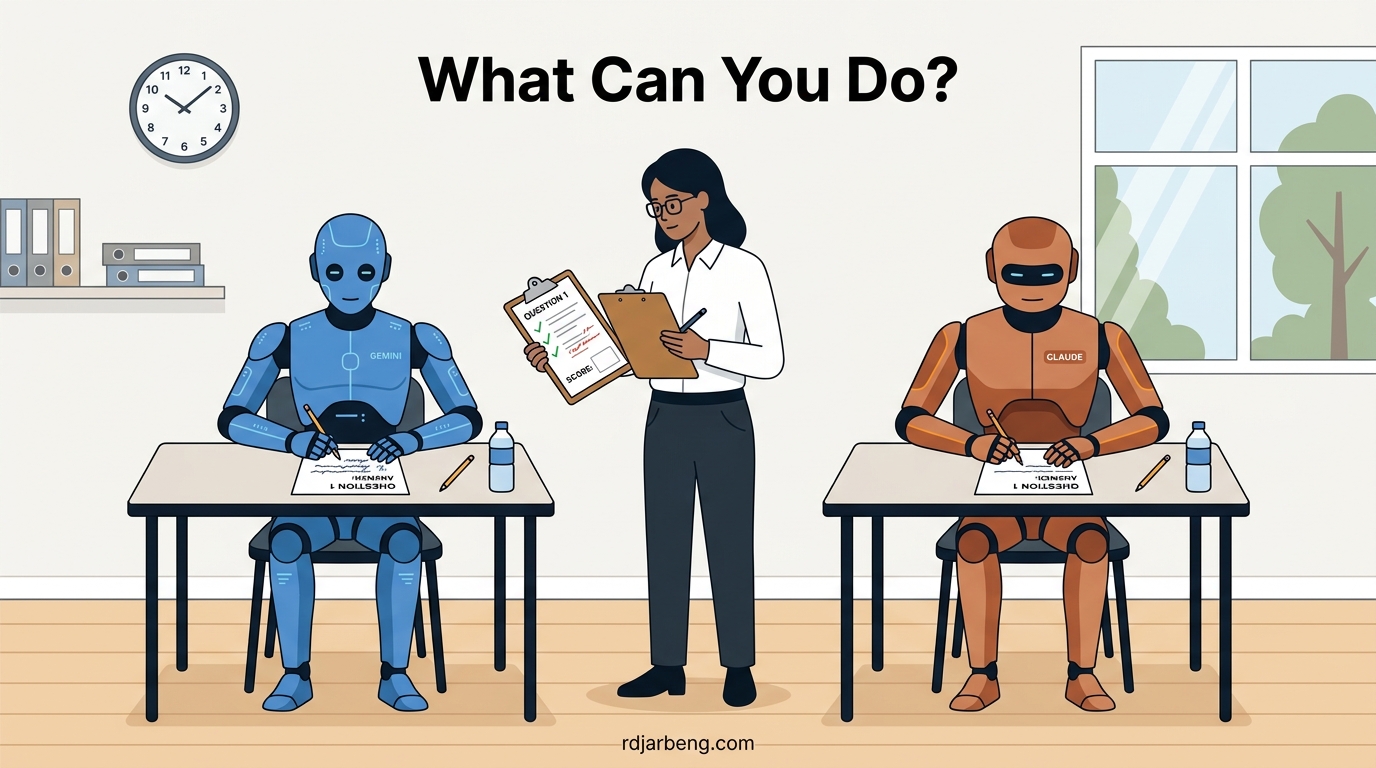
I ran this prompt on two models: Google's Gemini 4 Argon and Anthropic's Claude Sonnet 5.5, both on their respective web interfaces. Here are the unedited responses.
Gemini 4 Argon (Google, Paid tier)
Running as Gemini 4 Argon on the Web (Paid tier), here is the breakdown of what I can and cannot do:
1. Inputs & Outputs
- Inputs I accept: Text, code repositories, PDFs, spreadsheets (CSV, XLSX), documents, images (diagrams, UI screenshots, handwriting), audio files, and video files. In the Paid tier, I support an extended context window, meaning you can drop in multi-file codebases, full academic papers, or long error logs at once.
- Outputs I produce: Formatted Markdown, LaTeX math, complete source code in any major language, structured data payloads (JSON, YAML, SQL, CSV), and interactive visual widgets directly in the chat.
- What I cannot output directly: I cannot generate downloadable binary files (such as a compiled
.exe, a.ziparchive, or a raw.xlsxbinary) directly from this chat text stream, though I can give you the exact Python script or raw text to generate them locally in seconds.
2. Internet Access
-
Live Search: Yes. I have live Google Search integration to pull up-to-date documentation, recent library releases, current events, and factual verification.
-
Limits:
- Paywalls & Auth: I cannot log into private accounts, bypass paywalls (e.g., IEEE Xplore, NYT), or solve CAPTCHAs.
- No Arbitrary Scraping: I retrieve search snippets and indexed page content rather than running a full headless browser inside this chat window. If a single-page application requires heavy client-side JavaScript execution to render its text, I might miss the body content. (Note: For autonomous background browsing using saved credentials, that is handled via Gemini Spark rather than this standard chat interface).
- Sub-second Tickers: I am not connected to a live WebSocket stream, so do not use me for sub-second stock market execution or millisecond-level telemetry.
3. Strengths
- Cross-Stack Code & Architecture: Writing, refactoring, and debugging code across Python, JavaScript/TypeScript, C++, Rust, and SQL. For example, you can paste a raw PyTorch traceback alongside your model definition, and I will pinpoint the tensor shape mismatch.
- Data & File Transformation: Converting messy, unstructured inputs into strict schemas. For example, taking a photo of a whiteboard architecture diagram and outputting a working Terraform configuration or Mermaid.js chart.
- Technical Synthesis: Reading a 40-page PDF specification or a dense research paper and extracting the exact mathematical formulas, algorithmic steps, or hyperparameter tables you need.
- Custom Workflows (Gems): You can lock in specific system instructions, reference files, and coding styles as a reusable Gem so you do not have to re-prompt your baseline preferences every session.
4. Weaknesses
- Niche or Unindexed Libraries: If a framework was released two weeks ago or is an obscure internal tool with sparse public documentation, I am prone to hallucinating method names or mixing up syntax from older versions.
- Large-Scale Arithmetic & Counting: Because I process text via tokens rather than a native CPU ALU, asking me to manually sum a 500-row CSV or count the exact occurrences of a character in a 10,000-word block by "reading" it will likely yield off-by-one errors. Always ask me to write a quick script to compute exact metrics on large datasets.
- Visual Pixel-Perfection: While I can write clean CSS and Tailwind, I cannot visually "see" the rendered DOM in real time as I write the code. Complex, multi-layered CSS grid alignments sometimes take an iterative tweak after you render them.
5. Common Misconceptions
- "You run the code you write": Unless a specific sandbox tool is invoked, I am generating code via static reasoning, not compiling and executing it in a live terminal before showing it to you.
- "You remember everything forever automatically": While I can reference past chats and personal context when enabled, starting a Temporary Chat wipes the slate clean with zero memory or training usage. Even in standard chats, I do not continuously retrain my base weights on our conversation in real time.
- "You can check a live URL's exact visual layout": If you give me a URL, I read the text/HTML index. I do not take a screenshot of the live site to critique its visual typography unless you upload a screenshot yourself.
6. Hidden Complexity (Easy for me, looks hard)
- Single-File Interactive Web Apps & Simulators: Most people assume building a working physics simulation, an interactive data visualizer, or a playable 2D game takes hours of setup. You can ask me for a single-file HTML/JS/Canvas app that simulates a double pendulum with adjustable gravity sliders or visualizes $$A^*$$ pathfinding in real time, and I will output the complete, zero-dependency code in 15 seconds.
- Complex Regex & AST Parsers: Writing a gnarly regular expression with positive lookbehinds to parse messy server logs, or writing a custom Abstract Syntax Tree (AST) visitor in Python to automatically refactor a specific function call across 100 files, takes me seconds despite being tedious for humans to write from scratch.
- Reverse-Engineering Undocumented Payloads: If you paste three examples of a cryptic, undocumented JSON response from a third-party API or IoT sensor, I can immediately infer the schema, generate the TypeScript interfaces or Pydantic models, and write the validation logic.
Claude Sonnet 5.5 (Anthropic, web)
Capability overview
1. Inputs and outputs
In: Text, images (screenshots, photos, charts, handwriting), PDFs, and uploaded files like .docx, .xlsx, .csv, .json, and code files. I don't take audio or video as input here.
Out:
- Text and code in most languages
- Files: Word (.docx), PowerPoint (.pptx), Excel (.xlsx with working formulas), PDF, CSV, Markdown
- Hosted web pages and small apps (HTML, published as a shareable link)
- Inline visuals: SVG diagrams, charts, interactive widgets
- Structured cards for recipes, quizzes, itineraries, and product comparisons
I can't generate photos or illustrations in the image-model sense, and I can't produce audio. SVG and charts are fine.
2. Internet access
I can search the web and fetch pages. My knowledge itself ends around June 2026, so anything newer needs a search. Limits:
- I can only open URLs you give me or that came up in search results, not ones I guess.
- Anything behind a login (private Google Docs, paywalled or members-only pages) is off-limits.
- I'm capped on quoting: short excerpts only, no lyrics or long passages from articles.
- My code sandbox has its own restricted network. It can reach package registries (pip, npm, crates) and GitHub, but not arbitrary sites. So I can't write a script that scrapes a random website from inside the sandbox, though I can search and read it myself.
3. Strengths
- Writing and editing: rewriting a messy email in three tones, tightening a 2,000-word draft to 800, adapting a README for a non-technical audience.
- Code: writing, debugging, and explaining it. Paste a stack trace and the relevant function and I'll usually find the bug quickly.
- Document and data work: "Here's a CSV of 5,000 sales rows; clean the dates, group by region, and give me an Excel file with a chart."
- Synthesis: reading a 60-page PDF and pulling out the clauses that matter, or comparing five sources on a question.
- Structured thinking: pressure-testing a plan, laying out tradeoffs, drafting a decision memo.
4. Weaknesses
- Exact arithmetic in my head: I'm unreliable on long multi-step math unless I run code, which I can do. Ask me to compute it rather than just recall it.
- Counting and precise layout in text: exact word counts or character-level constraints can drift without a tool check.
- Obscure facts: I can state wrong details confidently, especially names, dates, citations, and niche statistics. Verify anything high-stakes, or ask me to search.
- Legal, medical, and financial decisions: I can explain the factors and the landscape, but I'm not a substitute for a professional who knows your situation.
- Very long or sprawling tasks: quality can slip across hundreds of steps without checkpoints.
- Real-time or private data: I don't know your inbox, your company's internal systems, or live prices unless I've been given a tool or you paste them in.
5. Common misconceptions
- "You remember our past chats." Not here. Memory isn't enabled, so each conversation starts fresh.
- "You can open any link." See the limits above.
- "You can watch a video or listen to a recording." Not directly; I'd need a transcript.
- "If you sound sure, you're right." My tone doesn't track my accuracy. Ask me how confident I am and what I'd check.
- "You can see my screen or files on my computer." Only what you upload or paste.
- "You can make me an image or logo like a design model." I can make vector graphics and layouts, not photorealistic art.
6. Hidden complexity: things that are easier than they sound
- A working app in one shot: "A tip calculator that splits by person and rounds up" or "a Pomodoro timer with sound" becomes a hosted page in a couple of minutes.
- A formatted deck or spreadsheet from a rough brief: a 7-slide PowerPoint from a paragraph of notes, or an Excel model with live formulas from a description of the logic.
- Interactive explainers: a draggable compound-interest chart, or a sorting-algorithm visualization you can step through.
- Bulk file transformations: converting a folder's worth of messy data into a clean spreadsheet, merging PDFs, or extracting tables from a scanned document.
- Quick data analysis: upload a CSV and ask "what's odd about this?" I'll run actual code and show you the outliers and a chart.
If you tell me what you're planning to use me for, I can point out where I'd be strong and where you should double-check my work.
Comparing the two responses
A few things stood out when I read these side by side.
Modality gap. Gemini accepts audio and video natively; Claude does not. This is a real differentiator if your workflow involves processing recorded meetings, podcasts, or screen recordings. If you work primarily with text and images, both models cover you equally well.
Output capabilities. Claude can generate downloadable Office files (.docx, .pptx, .xlsx with working formulas) and host small web apps as shareable links directly in the chat. Gemini outputs code and structured data but leaves file generation to a local script you would run yourself. For someone who just wants a finished spreadsheet without leaving the browser, Claude has the edge here.
Internet access differences. Both can search the web, but the mechanics differ. Gemini uses live Google Search integration and describes limitations in terms of JavaScript-heavy SPAs and paywalls. Claude is more explicit about its code sandbox having restricted network access (only package registries and GitHub) and about quoting limits on copyrighted content. Gemini also mentions a separate product (Gemini Spark) for autonomous background browsing, a capability Claude does not reference.
Self-awareness style. Gemini's response reads like a technical spec sheet. It is longer, more structured, and leans heavily on concrete examples (PyTorch tracebacks, Terraform configs, double pendulum simulations). Claude's response is shorter, more conversational, and more willing to say "I can be wrong about this" directly. Gemini mentions hallucinating method names for new libraries; Claude goes further and warns about confidently stating wrong details for names, dates, and niche statistics.
Strengths framing. Gemini leads with code and architecture. Claude leads with writing and editing. This probably reflects their respective user bases: Gemini is pitched primarily at developers and technical users; Claude is marketed to a broader audience that includes writers, analysts, and business users. Both are strong at code, but their self-descriptions prioritize different things.
Weaknesses honesty. Both admit to arithmetic issues, which is good. Claude lists more weaknesses (six vs. three) and includes the important caveat about quality degrading on very long tasks, something Gemini does not mention. Claude also explicitly warns against using it for legal, medical, or financial decisions. Gemini's shorter weakness list could mean it has fewer blind spots, or it could mean it is less forthcoming. Hard to tell without deeper testing.
Hidden complexity. Both can spin up single-file web apps quickly. Gemini's examples are more technically exotic (AST parsers, reverse-engineering undocumented API payloads). Claude's examples are more practical and accessible (PowerPoint from notes, bulk file transformations). Your mileage will vary depending on whether you need a physics simulator or a formatted Excel report.
What this prompt does not tell you
This prompt tests self-reporting. It does not test actual performance. A model might claim it handles PyTorch tracebacks well and then fumble a basic shape mismatch. Or it might undersell its ability to write LaTeX and then produce flawless notation.
The prompt also does not cover latency, cost per token, context window size in practice (as opposed to on paper), or how well the model handles multi-turn conversations that span hundreds of messages. For those, you need separate testing.
I still find the prompt useful as a first pass. It surfaces the model's mental model of itself, and that tells me something about how it was trained and what its developers think users care about. When a model volunteers a weakness without being pushed, I trust its other claims a bit more.
The benchmark prompt and full results are in the testing-agent-capabilities repository. If you run it on other models, I would be interested to see the results.
Related Concepts & Posts
The following cards provide further definitions of concepts discussed above, and possible links to related posts.
Gemini 4 Argon
Google DeepMind's flagship model at the time of this post. Supports text, images, audio, video, and code as inputs, with live Google Search integration and an extended context window on the Paid tier.
Learn MoreClaude Sonnet 5.5
Anthropic's mid-tier model available on the web. Accepts text, images, PDFs, and uploaded files. Can generate downloadable files (Word, Excel, PowerPoint, PDF), host small web apps, and produce inline SVG diagrams.
Learn MoreAI Agent Benchmark Prompt
A standardized, multi-dimensional prompt designed to quickly evaluate and audit new AI agents, LLMs, coding assistants, and autonomous systems across six categories including inputs/outputs, internet access, strengths, weaknesses, misconceptions, and hidden complexity.
View on GitHub