
Cover Image for Post - How to Fix ERR_NAME_NOT_RESOLVED and DNS_PROBE_FINISHED_BAD_CONFIG Errors in Google Chrome Due to DNS
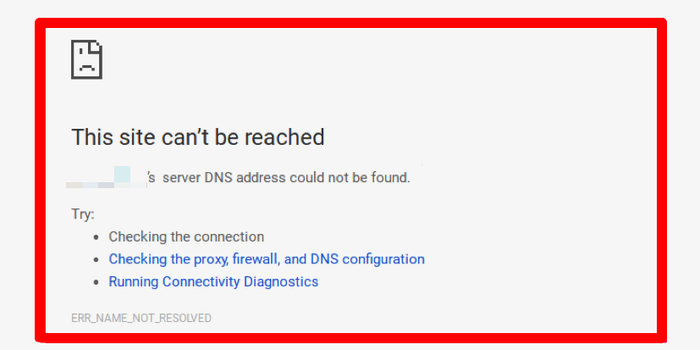
Cover image for How to Fix ERR_NAME_NOT_RESOLVED and DNS_PROBE_FINISHED_BAD_CONFIG Errors in Google Chrome due to DNS
Additional comments:
Encountering the dreaded ERR_NAME_NOT_RESOLVED or DNS_PROBE_FINISHED_BAD_CONFIG error in Google Chrome is a frustrating experience for any internet user. These connectivity issues often stem from faulty DNS settings, cache conflicts, or problematic network configurations that prevent your browser from translating domain names into functional IP addresses. When the server DNS address cannot be found, your browsing experience comes to an abrupt halt. This technical guide outlines effective troubleshooting steps to resolve these common network hurdles. By resetting your TCP or IP settings, flushing your DNS cache, and verifying your proxy configurations, you can restore a stable connection to the web. Addressing these backend errors is essential for maintaining a seamless digital workflow and ensuring reliable access to your favorite online platforms.



![Lecture 13.2 — Belief Nets — [ Deep Learning | Geoffrey Hinton | UofT ]](https://i.ytimg.com/vi/1CgojqlHrcE/hqdefault.jpg)