Know Instantly When Your Site Goes Down: Automating Website Monitoring With UptimeRobot
How do website admins know when their website is down? Do they just wait until a frustrated user tells them, or do they constantly navigate their own site to find broken pages? What happens if the site crashes while they are sleeping?
If the site is a business or application generating revenue, these are serious questions to ponder. Imagine if customers want to checkout or sign-up for your service and the page is not working for hours and you lose so much revenue before you notice. This is where automated monitoring services come in. Tools like UptimeRobot, an online monitoring service act as a tireless digital watchman, sending an invisible electronic check, often referred to as a "ping", to your website every few minutes. If your site fails to respond, the service instantly alerts you via email, telegram, or monitoring service of choice so you can fix the issue before most visitors even notice.
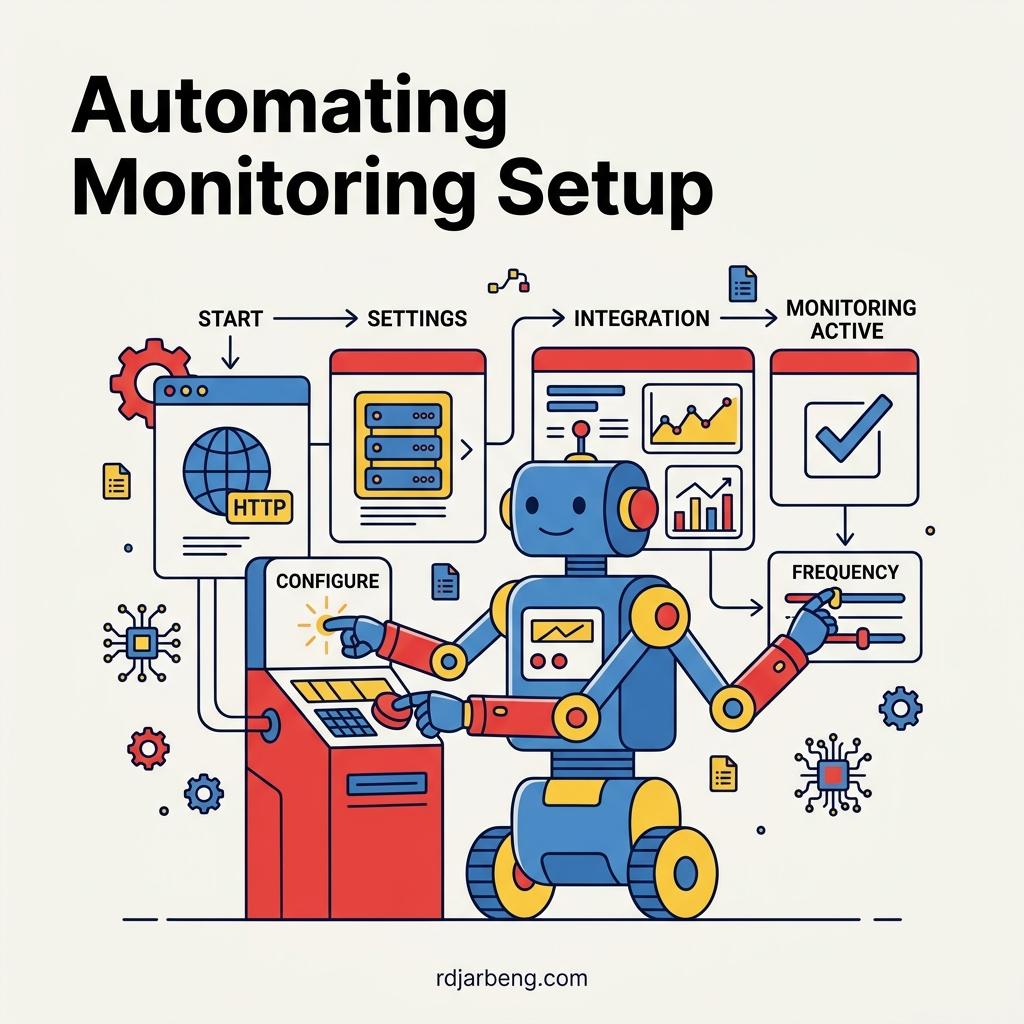
This post is intended to guide you through setting up UptimeRobot monitoring for your website or application. While setting up a single monitor via the UptimeRobot dashboard is straightforward, configuring multiple monitors for specific routes (like /about, /gallery, or /search) can become tedious. Automating this process using their setup APIs is the ideal solution for developers looking to integrate monitoring directly into their deployment pipelines or AI agent workflows.
(Disclaimer: This post is not sponsored by UptimeRobot. The concepts discussed here apply to many monitoring tools, and this could easily have been any other monitoring service.)
Shortcomings: Path-Based vs. Full-Site Monitoring
It is important to note a major shortcoming with this approach. UptimeRobot (like many simple ping services) monitors specific, exact URLs. This means you have to manually set up different paths that you plan to monitor (e.g., the homepage, the about page, the videos page).
This isn't a complete solution. Ideally, you would want a service where you just point it at your root domain, and it acts like a crawler, automatically checking that the entire site and all its internal links are working. With path-based monitoring, if a deep page goes down and you didn't explicitly create a monitor for it, you will miss the downtime entirely.
Alternatives to UptimeRobot
There are plenty of alternatives on the market, but they come with different trade-offs:
- Uptime Kuma: A brilliant, open-source tool. However, it requires self-hosting. If you just want something that you point to your site to check that everything is working, managing your own monitoring server gives you another piece of infrastructure to maintain.
- Datadog / New Relic: These are enterprise-grade observability platforms. They offer deep, full-site insights, but they are massively overkill and far too complex (and expensive) for a simple personal website or blog.
Overcoming the Free Plan API Restrictions
UptimeRobot provides a robust API, but the free tier restricts standard monitor creation via the standard /v2/newMonitor endpoint. Attempting to use this endpoint on a free plan results in an access_denied error due to missing Pro features.
However, there is an alternative. UptimeRobot provides an "agentic" endpoint (/agentic/agent-monitor) specifically designed for AI agents and automated scripts to create free HTTPS monitors bypassing the standard dashboard entirely.
The Proof-of-Work Challenge
Instead of relying on a traditional API key for authentication, this agentic endpoint uses a cryptographic Proof-of-Work (PoW) puzzle to deter spam and abuse. This requires your automation script to solve a computational challenge before the monitor is accepted.
The automation flow involves three distinct steps:
- Challenge Request: You must first call
/agentic/agent-monitor/challengeproviding the target URL and email address. The server responds with anonceand adifficultylevel. - Compute the Hash: Your script must run a
whileloop to incrementally test acountervariable. The goal is to find a counter where theSHA-256(nonce|counter)hash contains the required number of leading zero bits dictated by thedifficulty. - Submit the Solution: Once the correct counter is found, you POST the solved
counter,nonce,timestamp, andsignatureback to the/agentic/agent-monitorendpoint alongside your target URL and email address.
Handling Rate Limits and Deep-Links
When automating the creation of multiple monitors simultaneously, you must account for rate limiting. UptimeRobot's anti-spam measures will silently drop requests (returning a standard 200 OK response without actually sending the confirmation email) if requests arrive too quickly from the same IP or for the same email address.
To successfully batch-create monitors, requests must be throttled by implementing a delay (e.g., a 60-second time.sleep()) between submissions. Alternatively, manual deep-links (https://uptimerobot.com/quick-start?url=...) can be generated. These links direct the user to a browser-based flow that solves the PoW puzzle client-side and triggers the activation email seamlessly.
Finally, to maintain an organized dashboard, you can use the standard /v2/editMonitor API endpoint (which remains fully accessible on the free plan) to update the friendly_name of each monitor after activation, clearly identifying each specific route.
Bonus Feature: Every monitor you configure automatically gets its own status page on UptimeRobot, allowing you to publicly or privately track the historical uptime of all your configured routes in one place!

Related Concepts & Posts
The following cards provide further definitions of concepts discussed above, and possible links to related posts.
What is a "Ping"?
A basic Internet program that allows a user to test and verify if a particular destination IP address exists and can accept requests in computer network administration.
Proof-of-Work (PoW)
A form of cryptographic zero-knowledge proof in which one party proves to others that a certain amount of a specific computational effort has been expended.
API Endpoint
A specific digital location where an API receives requests about a specific resource on its server.
Rate Limiting
A strategy for limiting network traffic. It puts a cap on how often someone can repeat an action within a certain timeframe (e.g., trying to log in or sending an email).