OpenCut: A Free, Open-Source Alternative to CapCut
Update (March 2026): The OpenCut project has officially entered beta! You can now try the beta version for yourself directly in the browser.
If you’re a video editor frustrated with CapCut’s recent changes, you’re not alone. CapCut—once heavily marketed as the ultimate free app—has aggressively shifted to a restrictive freemium model. They’ve stealthily added watermarks to exported videos for free users and locked previously essential free features behind new paywalls.
Many creators feel understandably betrayed by this bait-and-switch tactic. This growing discontent has sparked massive interest in open-source editing alternatives, and one highly promising project is stepping up to fill the gap: OpenCut.
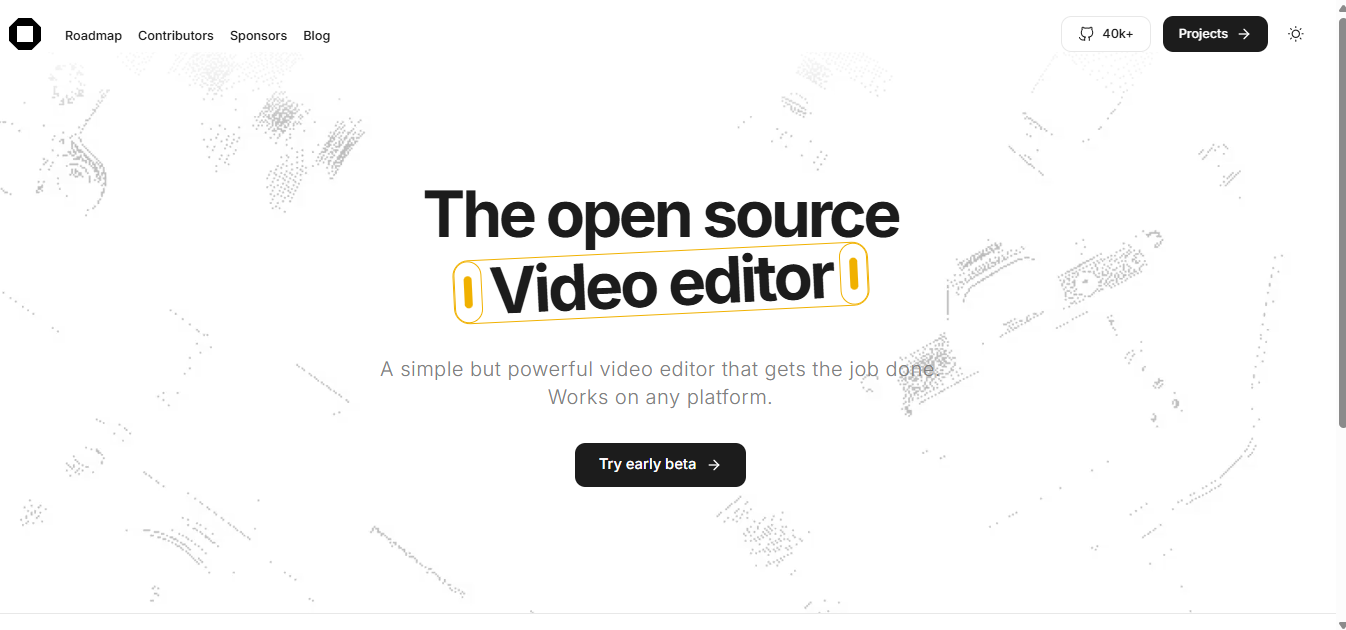
Meet OpenCut: The CapCut Alternative You’ve Been Waiting For
OpenCut is a fully open-source video editing tool designed to deliver a powerful, user-friendly experience without the frustrations of modern freemium apps. Built entirely to run inside your web browser, OpenCut offers:
- Privacy First: All video processing happens locally on your device. Your media is never uploaded to external servers, ensuring your content stays strictly private.
- No Watermarks: Export your final videos without any forced branding or restrictive watermarks.
- Free Forever: Unlike CapCut, OpenCut’s core editing features will never be locked behind a subscription paywall.
- Familiar Timeline Editing: Enjoy multi-track support, fluid real-time previews, and an interface that feels instantly familiar to CapCut veterans.
Currently in its early beta stages, OpenCut is rapidly developing. It already supports essential features like basic timeline manipulation, multi-track functionality, and clean exports. The project is hosted on GitHub, where a vibrant community is actively contributing to its stable release.
How to Try OpenCut
Excited to give it a spin? You can sign up for updates and jump straight into the beta at opencut.app.
If you encounter any issues during these initial beta phases, the developer community is extremely responsive. You can check out known issues or report bugs directly on their GitHub repository.
Why Open-Source Software Matters for Creators
The sudden shift in CapCut’s pricing model highlights the inherent risks of relying heavily on proprietary, closed-source software. The rug can be pulled out from under your entire workflow overnight.
Open-source projects like OpenCut empower users by offering absolute transparency, community-driven development, and freedom from unexpected software rent. By supporting OpenCut, you’re not just getting a free video editor—you’re contributing to a movement for fair, accessible creative tools that actually respect their users.
Conclusion
As someone who relies on easy-to-use video editors, I’m thrilled to see a community-driven project stepping up to challenge restrictive freemium models. OpenCut stands out by striving to combine the familiar timeline interface we all loved with the absolute freedom of open-source software. With no watermarks, no subscriptions, and a firm commitment to local processing, it’s a massive breath of fresh air.
While I’m not a contributor to the project, I support its mission to empower creators. If you want to check out the underlying code or support the developers building it, you can browse their GitHub repository.
I tweeted about this:
Other Established Video Editing Alternatives
If OpenCut is too early in development for your specific professional needs, check out these other powerful desktop editors below:
Related Concepts & Posts
The following cards provide further definitions of concepts discussed above, and possible links to related posts.
DaVinci Resolve
A professional-grade, industry-standard editor featuring a massive free version. It includes world-class color grading, visual effects, and multi-track audio editing.
Visit DaVinci ResolveOpenShot
An award-winning, open-source video editor available for Windows, macOS, and Linux. It offers an incredibly user-friendly interface and multi-track editing.
Visit OpenShotKdenlive
A lightweight, open-source option that supports complex multi-track editing across Linux, Windows, and macOS. It strikes a fantastic balance between flexibility and simplicity.
Visit KdenliveShotcut
A free, open-source editor with a clean, dockable interface and support for a massive range of codecs. It’s highly cross-platform and extremely reliable.
Visit Shotcut