Intel Ultra Versus i7: What's the Difference In 2026?
If you’ve been looking at new laptops or desktop CPUs recently, you might have noticed a shift in Intel’s branding. The familiar “Core i7” is now being joined (and in many cases, replaced) by the “Core Ultra 7.” But what exactly is a Core Ultra 7, and is it just a fancy name for the same old i7?
The short answer is: No, they aren’t the same. While they occupy a similar “high-end” tier in the consumer market, the Core Ultra series represents a significant architectural shift for Intel.
1. A New Naming Era
Intel officially dropped the “i” from its branding starting with the Meteor Lake architecture (Series 1) for mobile devices, and later extended it to desktop with Arrow Lake (Series 2). The goal was to simplify the lineup and distinguish their new AI-focused chips from the legacy architecture.
- Legacy: Core i3, i5, i7, i9 (e.g., 12th, 13th, 14th Gen)
- Modern: Core Ultra 5, Ultra 7, Ultra 9 (Series 1 & 2)
For a deeper dive, PCMag details how Arrow Lake chips for laptops prioritize power and UltrabookReview lists the upcoming Lunar Lake laptops.
2. The NPU (AI Boost)
The biggest difference between a standard Core i7 and a Core Ultra 7 is the inclusion of a dedicated NPU (Neural Processing Unit).
- Core i7: Relies on the CPU and GPU for AI tasks.
- Core Ultra 7: Has a dedicated engine for AI workloads like background blur in video calls, noise cancellation, and local LLM execution.
As noted in discussions on Quora, this makes the Ultra 7 much more efficient for modern “AI PC” features, whereas the i7 remains performance-heavy but less AI-centric.
3. Chiplet Design (Tiles)
Core Ultra processors use a “disaggregated” or chiplet-based design. Instead of one single piece of silicon, the processor is made of several “tiles” (Compute, Graphics, SoC, and I/O) manufactured on different process nodes and bonded together.
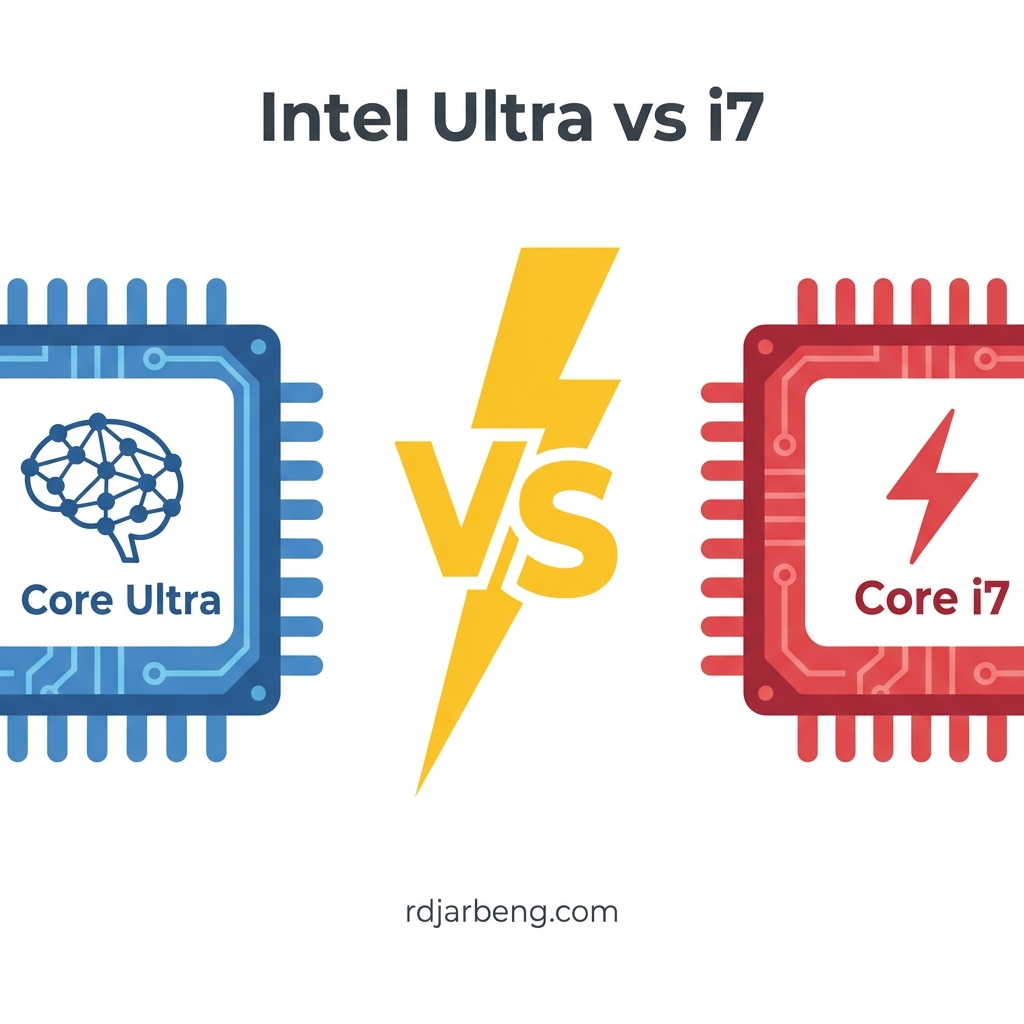
The comparison diagram below visualizes this architectural shift and other key differences:

4. Graphics Performance
Most Core Ultra 7 chips come with integrated Intel Arc graphics, which is a massive step up from the older Intel UHD or even Iris Xe graphics found in many standard i7 mobile chips. Acemagic notes that the Ultra 7 significantly outperforms older i7s in single-core tasks and graphics scenarios.
Note: For desktop users, some “F-series” models (e.g., Core Ultra 7 265KF) omit the integrated graphics entirely, assuming you will use a dedicated GPU.
5. Efficiency vs. Raw Power
- Core i7 (e.g., 14700K / 13650HX): Often prioritizes high clock speeds and raw multi-threaded performance. For instance, the i7-13650HX has more L2/L3 cache compared to the Ultra 7 155H, which can benefit esports gaming. A Versus comparison also shows higher max RAM speeds and thread counts for some i7 models.
- Core Ultra 7 (e.g., 155H mobile or 265K desktop):
- Mobile (Meteor/Lunar Lake): Built with a “low-power first” mindset, using Low Power Efficiency (LP-E) cores to handle background tasks for exceptional battery life.
- Desktop (Arrow Lake): Focuses on efficiency per watt. Tom’s Hardware’s faceoff between the 14700K and 265K explains that Intel eliminated Hyperthreading on Arrow Lake, which reduces power draw and heat while maintaining competitive speeds.
Summary: Which should you choose?
- Choose Legacy Core i7 (13th/14th Gen) if you are building a specific high-performance desktop where raw multi-threaded throughput is critical and you are less concerned with power efficiency or future-proofing for on-device AI.
- Choose Core Ultra 7 if you are buying a modern laptop or building a new desktop (LGA1851 socket). GEEKOM suggests the Core Ultra 7 is best for 2026 due to its balance of efficiency, higher core counts in some mobile variants, and AI acceleration.
In short, the Core Ultra 7 is the “smarter” and more efficient successor to the i7, built for the next decade of computing.
Further Watching
For more visual comparisons, check out these guides: