# Finding a Song – An Ordinary Google Task with Split Screen
- URL: https://rdjarbeng.com/personal/finding-a-song-from-my-phone--an-ordinary-google-task/
- Published: 2025-05-24
- Author: Richard Djarbeng
- Tags: Find a song, Ordinary, Alex Warren Ordinary, YouTube shorts, Something So Out Of The Ordinary, Find a song on youtube, Find a song on your phone, Find a song on Android, Find a song with Google, Google pixel find a song, Split screen to find a song on pixel, Android vs iPhone, Google find a song feature, No need for shazam on google
Here is a method for finding a song from a video you are watching on my phone. Let's do it together. Here I used the split screen feature to open 2 apps at the same time. I open the Google app as one of them and get to the find a song feature. Google keeps changing the layout but it was underneath the search bar for me (see screenshot) .
_Disclaimer for iPhone users: It seems the split screen feature isn't available on iOS yet, so sad. Unfortunately you are going to rely on shazam or wait for similar functionality for Iphones. Android club, please continue reading this post_
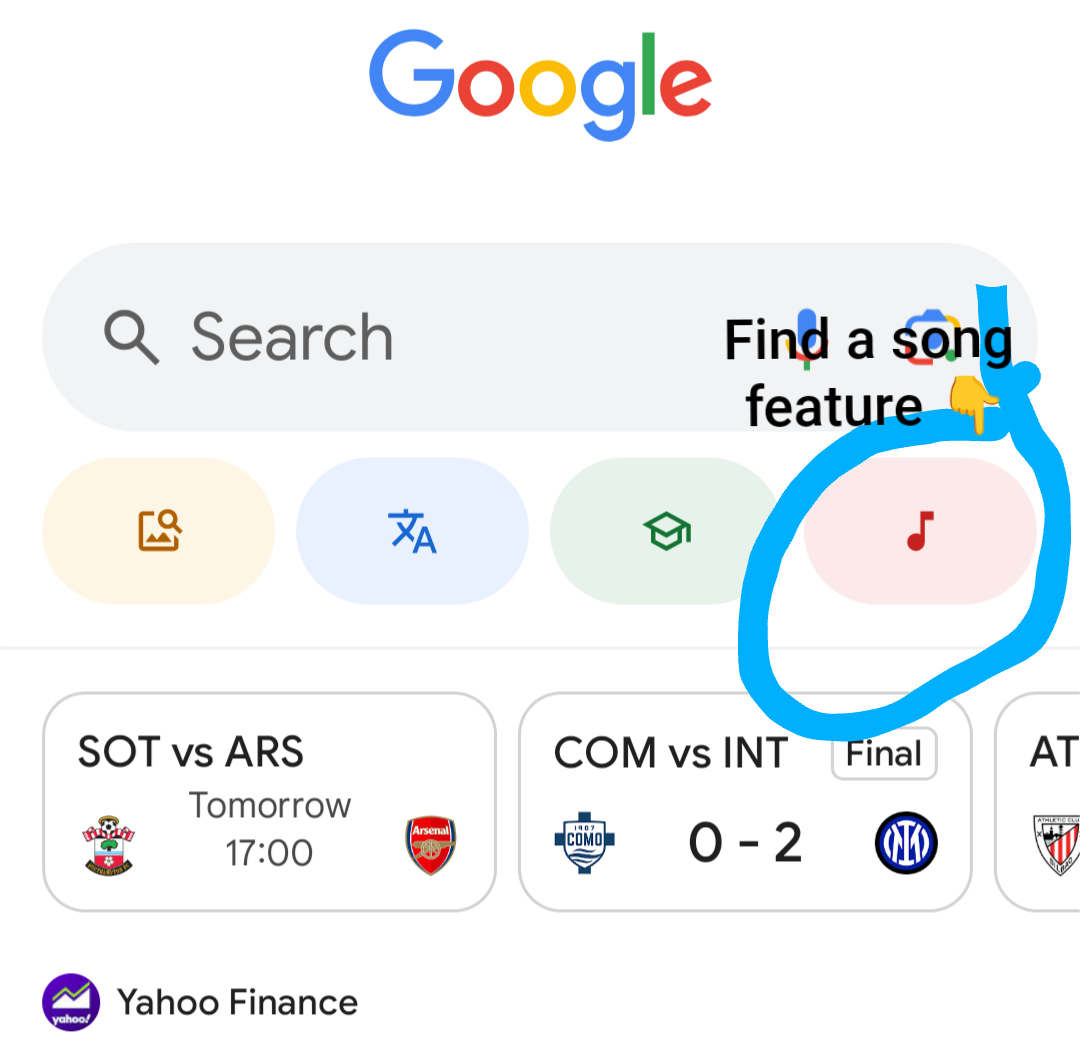
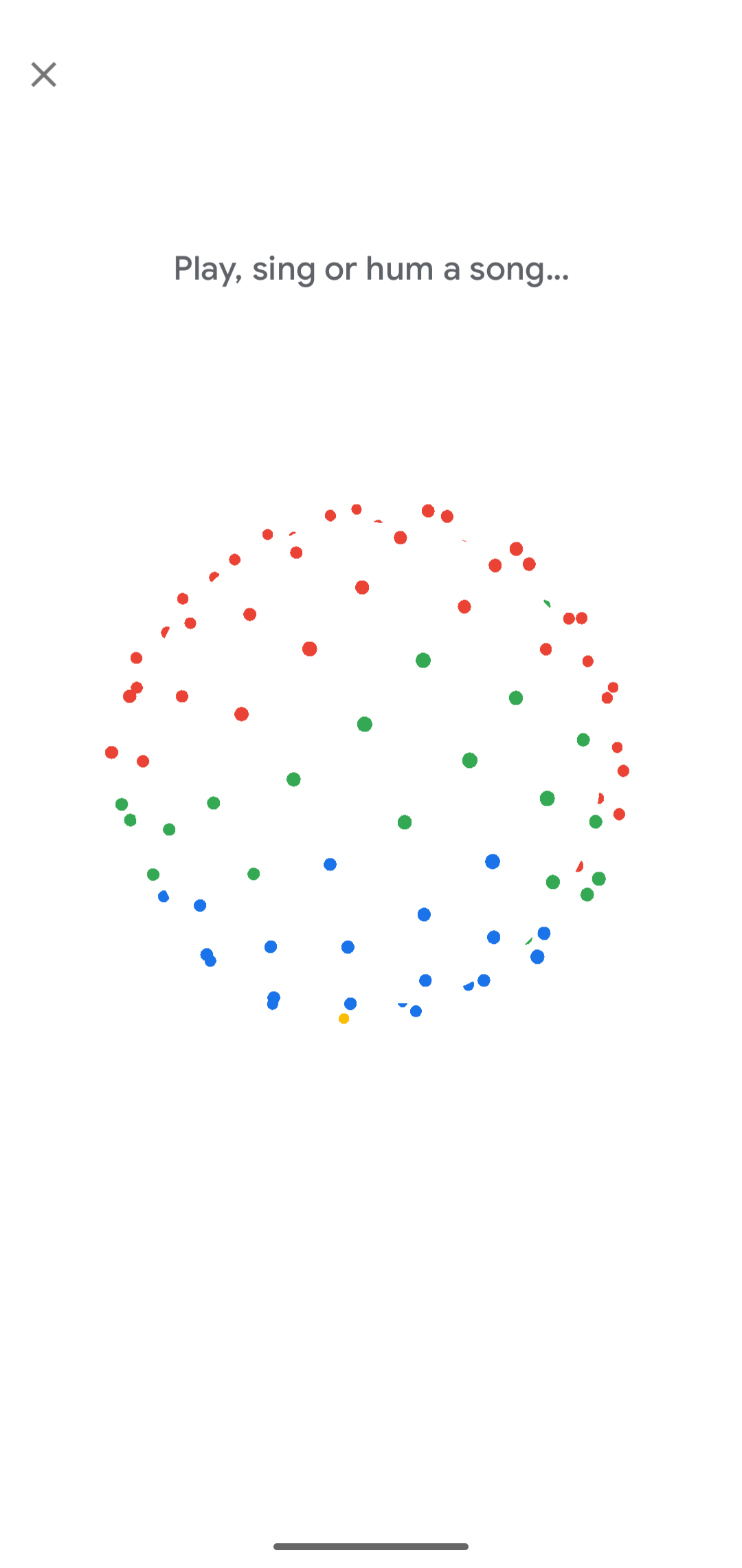
Here's a a screenshot of the 'find a song feature' in action.
## Open the music playing app
Then I open the second app, in this case Youtube where I was playing one video with a catchy tune.
It went something like this: _'Guitar tune....Something so out of the ordinary, I want you laying me down... guitar tune'_
So now I have Google open in one window and Youtube open in another. Then I play the video in one window and select the find a song feature so they play together. If successful Google usually provides links to the song, a youtube video link in this case. Sometimes it gives you possible recommendations of a list of songs it thinks could be playing.
## Video Walkthrough
Here's a video of the steps I used.
## Found the song- Ordinary
Found out the song name is 'Ordinary' by Alex Warren. 🙂 It turns out the Youtube shorts used this audio specifically: Alex Warren: Ordinary The Tonight Show Starring Jimmy Fallon. That has a stronger/louder instrumental at the end which is missing in the official video for the song. I'll include that particular video below.
Thanks to Google 'Find a song' I can now free myself from wondering what song that was. However it doesn't always work out as you can see in the video below. For this, the video was one I took personally at one event, "Founder's Friday at Norrsken' in Kigali.
## Success rates vary
Google was not able to find the song so this method doesn't have a 100% success rate. When it works though it saves me from typing or trying to sing the song for Google. However in Google's defense, this particular video input in the example was a bit tricky. The saxophonist was playing his cover of a famous song so I can't really blame Google because it wasn't exactly the same thing. By the way that song the saxophonist was playing was '[Victony & Tempoe - Soweto](https://www.youtube.com/watch?v=DPBRGWUgQsA)'
I thought it was a cool way of finding songs that you randomly find online so I hope it works for you.
Apparently this doesn't work for IPhone users because they can't split the screen yet. Unbelievable that such an _ordinary_ 🎶feature doesn't work for IPhones.
Let me end with this quote:
PS: There is an easier way to bring up the find a song feature, and that involves holding the navigation bar at the bottom of the screen to show an overlay for Google lens and the find a song feature. I could add a screenshot but that will make this post too long, you're smart you'll figure it out. Advantage of this approach is that you don't need to split the screen. Cool!